Bring a story or your own lyrics to the AI Rap Generator. Choose a sound, shape the vocal direction, and turn a personal idea into a complete track with vocals and backing music.
An AI Rap Generator turns a story or your own lyrics into a track with rhythmic vocals and backing music. Start from a short scene when the words are still taking shape, or bring finished lyrics when you already know what you want to say.
This AI Rap Generator creates complete tracks for you to listen to and develop. Choose a style and vocal direction, then add the details that make the song yours. Listen through each version and decide what you would like to keep or change next.
FROM NOTEBOOK TO PLAYBACK
Make room for your voice with the AI Rap Generator.
01
Bring the story.
Give the AI Rap Generator a specific moment, feeling, or original lyric. A scene such as waiting for the last train gives the track more direction than a broad instruction to make something inspirational. Keep the central idea easy to recognize.
02
Shape the delivery.
Choose a sound and decide whether the hook should be melodic. The AI Rap Generator uses those choices as creative direction. Read the request together with your words, then check that both describe the same mood before asking the AI Rap Generator for music.
03
Hear the whole track.
When your AI Rap Generator track is ready, listen to it here in the workspace. Follow the words, transitions, and overall delivery from beginning to end. Compare what you hear with your original idea before choosing a version to keep or trying a different sound.
START SOMEWHERE REAL
Everyday stories. Different sounds.
Explore AI Rap Generator ideas, ready to make your own.
01 / BOOM BAP
Last train home
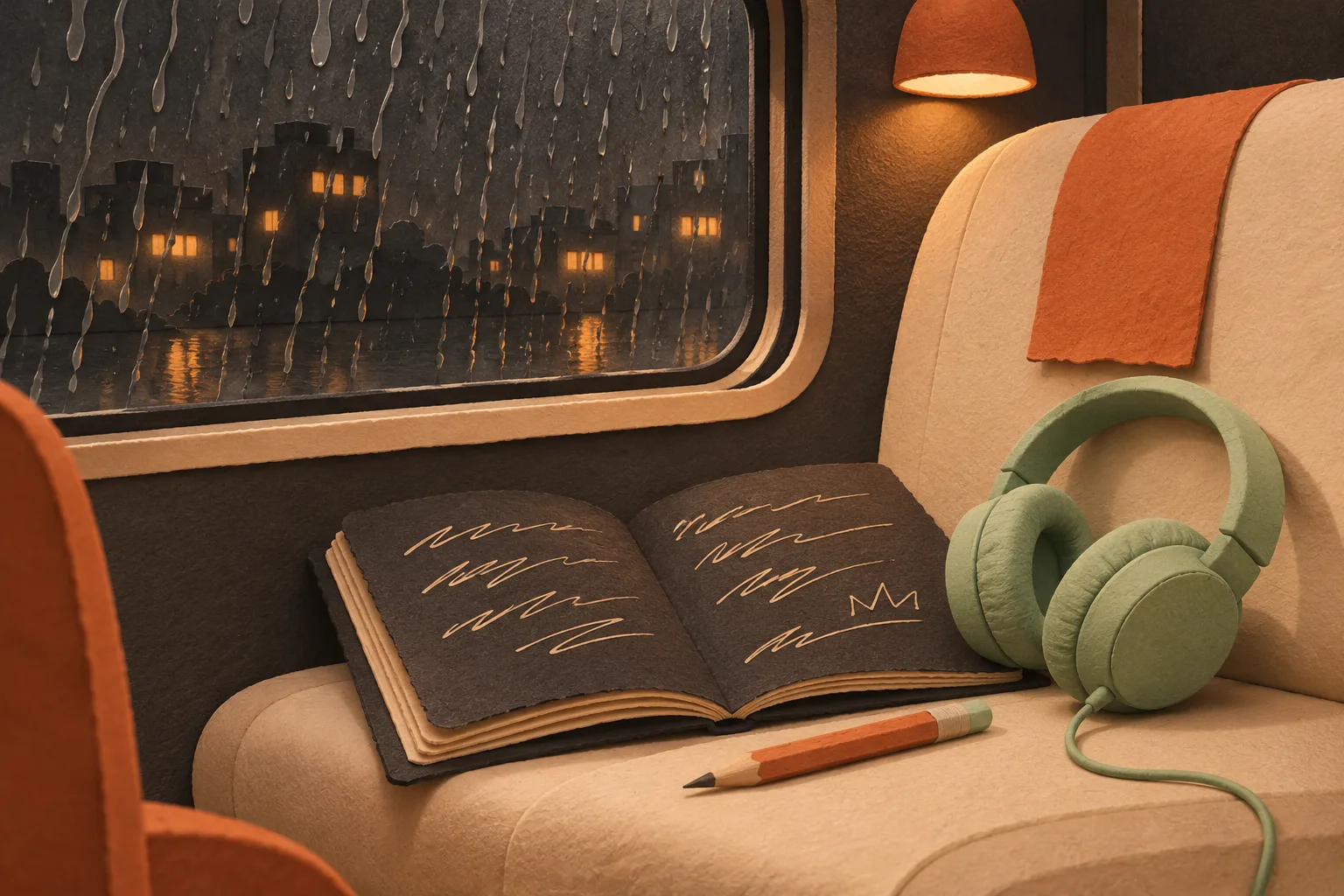
Try the AI Rap Generator with a quiet carriage, worn headphones, and plans bigger than the journey home. Choose reflective verses over dusty drums. Replace the train with a place you know, keeping one detail that makes the scene yours. Open this AI Rap Generator idea, edit the story in your own words, and review your choices before creating.
02 / MELODIC RAP
Opening day
Give the AI Rap Generator the feeling of opening your own small shop: paint on your sleeves, a key in the door, and the first customer arriving. Choose a melodic hook for a hopeful refrain. Use this AI Rap Generator example as a starting point, then describe your own milestone and the details you want the song to remember.
AI-generated scene illustrations. These are prompt ideas, not generated audio samples.
FOUR STARTING POINTS
Choose your AI Rap Generator sound.
Boom bap: leave space for the words.
Choose boom bap in the AI Rap Generator for dusty drums and warm textures. It suits reflective scenes and conversational writing. Give the AI Rap Generator a clear emotional center, with fewer competing instructions, so the production direction supports the story.
Trap: add weight and movement.
The AI Rap Generator trap direction requests deep bass and crisp percussion. Try confident lines or a forward-looking theme. Keep the writing readable; asking the AI Rap Generator for more energy does not mean every line needs more words.
Melodic rap: make the refrain matter.
Use the AI Rap Generator melodic direction when a sung hook belongs in the idea. Let the verses carry details and the refrain carry one feeling. Tell the AI Rap Generator which delivery you prefer without expecting identical interpretation each time.
Drill: focus the rhythm.
Choose drill in the AI Rap Generator for sliding bass and syncopated drums. Short, focused lines can help a tense scene stay clear. Give the AI Rap Generator a setting, a mood, and a few strong images to carry through the song.
KEEP THE CREATIVE CHOICES YOURS
From a rough idea to your own rap track.
01 / THE IDEA
Give the scene a point of view.
Start your AI Rap Generator request with who is speaking, where they are, and what matters to them. “An exhausted student on the last bus, still determined to finish an exam” gives a clearer direction than a list of unrelated moods.
The AI Rap Generator combines your idea with the selected sound and voice preference. Watch the remaining character budget as you make choices. Remove repeated instructions before cutting the detail that makes the story personal.
Give the AI Rap Generator one main direction first. If the result misses the mood, change that direction deliberately instead of adding several contradictory requests at once.
02 / YOUR WORDS
Bring lyrics that are ready to breathe.
Choose “Use my lyrics” when the AI Rap Generator should start from your own writing. Paste your lyrics as written, with or without section labels. You can bring a full song, a few verses, or one continuous passage, then choose the sound you want.
Read each line aloud before asking the AI Rap Generator to perform it. If you run out of breath, try splitting the thought or removing an unnecessary phrase. Preserve the image, action, or rhyme that gives the line its purpose.
Keep the wording that matters to you. The AI Rap Generator accepts lyrics without a chorus or formal verse labels, so you can start with the writing you already have.
03 / THE DELIVERY
Choose how your words are delivered.
Select rapped verses in the AI Rap Generator when spoken rhythmic delivery is central to the song. Choose melodic hook when a sung refrain is part of the plan. Neither option guarantees that every section will match your imagined performance.
Listen to your AI Rap Generator track from the first verse to the final line. Can you follow the words? Does the delivery fit the story? Replay the parts you care about most and note what you want to hear differently in another version.
Try one clear change in the AI Rap Generator at a time. Adjust the sound or vocal direction, then compare the next version with the one you saved.
ONE LAST LOOK
Check your words and sound before you create.
Before submitting to the AI Rap Generator, check the active input, selected style, vocal direction, and title together. Switching modes keeps your drafts, but only the active mode belongs in the request. Make sure you are sending the version you intend.
Creating a track uses 13 credits. The AI Rap Generator shows the cost before you confirm generation. You can edit your words and review your choices first. Check your balance, listen to a finished version, and decide what you want to change before using the AI Rap Generator again.
Keep a copy of your original lyrics outside the workspace. When comparing versions, note which words changed, where the delivery became crowded, and which sections best matched your intention.
Keep the words personal. Keep the expectations clear.
Yes. Paste your own lyrics into the AI Rap Generator in any layout. Verse and chorus labels are optional, and a continuous rap passage is welcome too. The AI Rap Generator uses your writing as the starting point. After the AI Rap Generator finishes, listen carefully: generated vocals can change words, phrasing, or section lengths.
The AI Rap Generator offers rapped verses and melodic hook directions. Choose the first for rhythmic spoken delivery, or allow a sung refrain when that fits the song. AI Rap Generator interpretation can vary between requests, so judge the actual vocal sections rather than assuming a style choice guarantees the performance.
You can edit your AI Rap Generator idea or lyrics and open the review without spending credits. Creating a track with the AI Rap Generator costs 13 credits and requires sign-in. Check the words, style, vocal direction, and voice before confirming. Viewing an example or editing your lyrics does not spend credits.
When your AI Rap Generator track is ready, use Download track to see the download options available to your account. Availability and usage rights depend on your plan and current terms. Before publishing an AI Rap Generator track, listen through the full version and make sure you have permission to use any lyrics or other material you supplied.