
SAME SPARK. NEW POSSIBILITIES.

AI Song Remixer.Your track, reimagined.

Bring your recording. Choose a different sound. Use the AI song remixer to explore a fresh arrangement, then listen and decide what feels right.

  • One source track
  • Editable direction
  • Real generated versions
AI Song Remixer
01Source audioMP3, WAV, FLAC, M4A and other supported audio
02Choose a new directionMAKE IT YOURS

Edit the instruments, rhythm and mood. This is a new interpretation; vocals and details may change.

Vocal direction

Free plan: 60s · Paid plans: 480s · Maximum file size: 100 MB

A NEW ARRANGEMENT STARTS HERE

An AI song remixer built around your recording

An AI song remixer takes an existing recording as its starting point and generates another interpretation. A guitar sketch can suggest a softer groove; a finished song can inspire a more energetic arrangement. The source gives the process something musical to respond to, while your direction describes the change you want to explore.

Use this AI song remixer when your own melody, demo or song needs another possibility. Start with one clear intention: a warmer rhythm section, an acoustic texture or a spacious mood. Refine after listening.

The AI song remixer creates new audio rather than editing each original sample. Singing, phrasing, lyrics and structure may change. Treat each version as a creative proposal. Keep your recording nearby to compare the musical idea, the feeling and the details that matter.

SMALL DIRECTIONS, DIFFERENT FEELS

Three directions for your AI song remixer

These are prompt ideas to edit, not before-and-after audio claims. Use your own recording as the source.

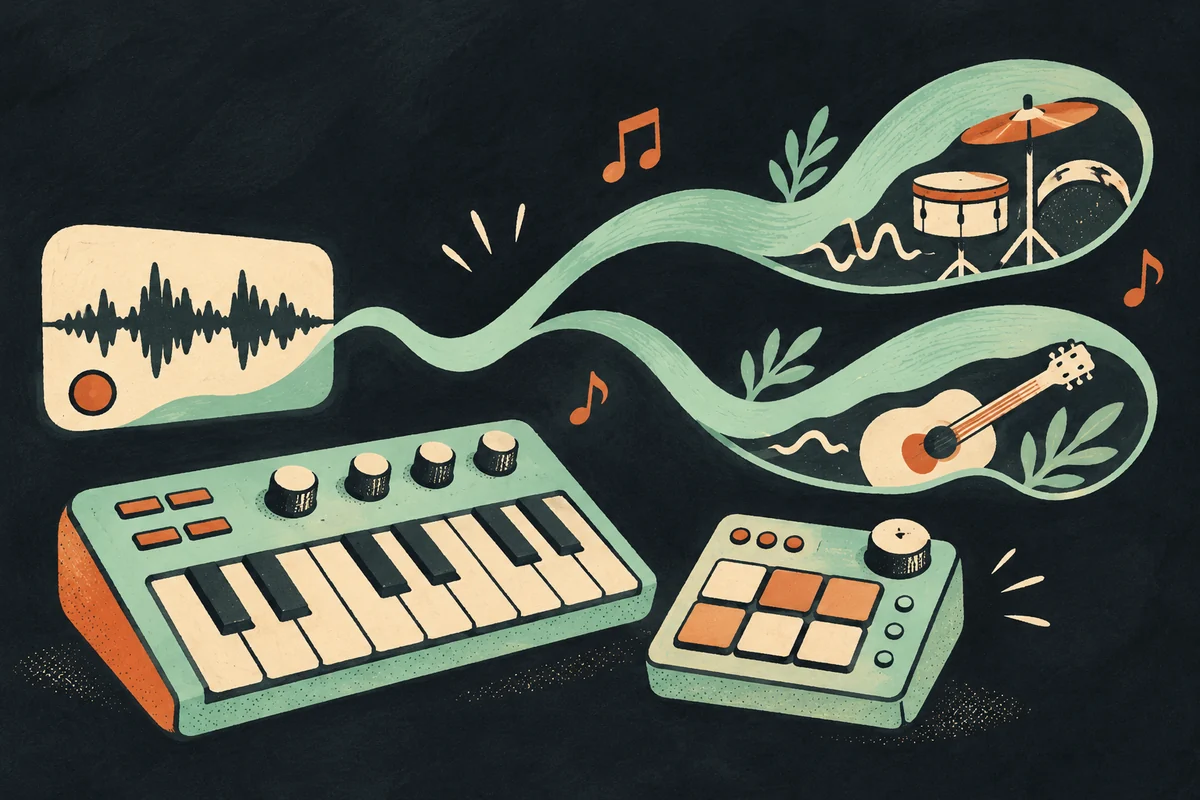
Lo-fi concept illustration with a keyboard, sampler and flowing mint sound ribbons.

From a guitar sketch to lo-fi

Give the AI song remixer a clear demo and ask for a mellow setting. Soft electric piano and relaxed drums can provide a different context for the same musical starting point. After listening, decide whether the new space supports the emotion you wanted, then change one aspect for your next attempt.

Reimagine this recording as mellow lo-fi with soft electric piano, warm bass, relaxed drums and an intimate late-night atmosphere.
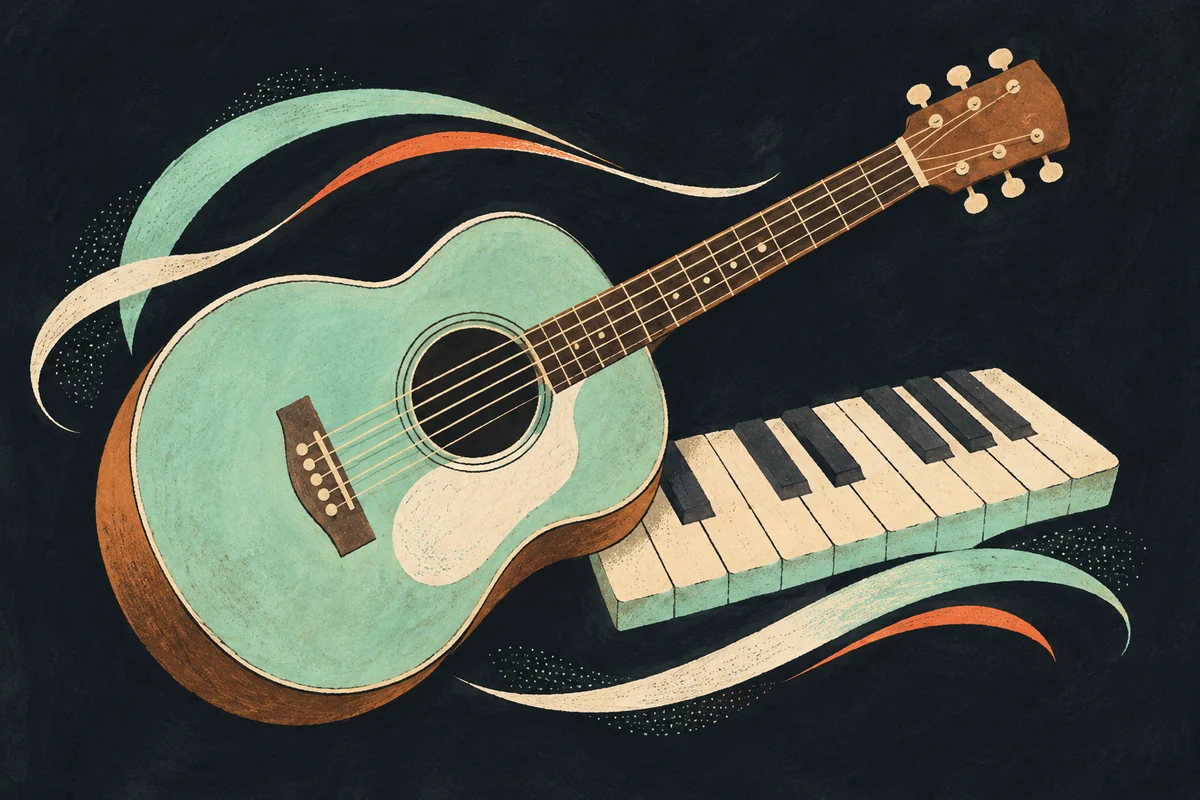
Hand-drawn mint acoustic guitar beside piano keys, framed by cream and orange sound ribbons.

From a full song to acoustic

Ask the AI song remixer for fingerpicked guitar, natural percussion and a gentler atmosphere. An acoustic direction can help you explore a more intimate interpretation. It does not remove individual instruments from the original master or return editable stems. Review the new performance as a complete generated version.

Reimagine this recording as an intimate acoustic arrangement with fingerpicked guitar, natural percussion and a spacious, gentle feel.
Illustrated grand piano and mint string instrument framed by rising sound ribbons.

From a quiet idea to a bigger lift

Try a house or cinematic direction when you want to explore more movement. Tell the AI song remixer how the energy should develop, such as a gradual build or a fuller chorus. Check that the result still makes musical sense. A genre label alone cannot guarantee the exact timing of a drop or transition.

Reimagine this recording with a cinematic arrangement: expressive piano, evolving strings, restrained percussion and a gradual emotional build.
THREE CLEAR STEPS

How to use the AI song remixer

  1. 01

    Give the AI song remixer a source

    Choose a recording with a clear musical idea. Upload the file or enter a direct audio URL. The AI song remixer uses one source per request. Start with an unclipped demo.

  2. 02

    Direct your AI song remixer

    Choose a preset, then edit it in your own words. Give the AI song remixer a genre, instrumental texture and mood. Describe relaxed drums or a bigger chorus, avoiding conflicting instructions. The character counter shows how much room remains for your direction.

  3. 03

    Listen to the AI song remixer versions

    Submit once and follow the task as it progresses. When the AI song remixer returns audio, listen to the actual versions and compare them with your source. Notice whether the new arrangement serves the song. Starting another generation is a new request that uses credits; it is not an automatic correction of the previous result.

DIRECT THE SOUND

Give your AI song remixer a useful brief

An AI song remixer with room for your ideas

A preset gives the AI song remixer a readable starting point. House, lo-fi, acoustic, rock, R&B and cinematic directions describe different palettes. Each preset fills the same editable field. You can keep its instruments, soften its energy or write a completely different direction without changing tools or learning a separate editing interface.

Describe your AI song remixer arrangement

Tell the AI song remixer what to emphasize. Fingerpicked guitar, brushed percussion, rounded bass or spacious piano is more concrete than unrelated adjectives. These words guide generation rather than controlling separate mixer channels. Listen for an overall musical response, without expecting every instruction to create an exact change.

A clear vocal preference

You can leave the vocal direction unspecified or choose a male or female vocal preference. The AI song remixer may reinterpret the performance in either case. No preference does not mean original voice preservation. If a particular singer’s identity, exact pronunciation or unchanged words are essential, assess every output carefully before using it.

Source and results stay distinct

Preview your source locally, then review the returned versions. The AI song remixer shows progress and download options for real results. Account access determines preview and original download availability. The empty result area explains the workflow; it contains no simulated recording.

KNOW THE BOUNDARIES

What the AI song remixer can change

The AI song remixer explores another style or arrangement from one recording. It does not combine two songs, mix stems or provide precise BPM and key editing. The controls describe a generation direction rather than locking musical details. Choose a task that this workflow can actually support.

Expect variation from the AI song remixer. A version may change the singer, words, melody, phrasing or section lengths even when your direction asks for continuity. Keep the source, listen through the full output and compare important passages. For an exact production change, a controlled audio edit may be more suitable than generating a new interpretation.

CLEAR INPUTS, VISIBLE COSTS

Before you start the AI song remixer

Use audio within the displayed size and plan duration limits. The AI song remixer accepts direct audio URLs subject to server checks. Streaming song pages are not audio files. If a link requires login or returns a webpage, upload your recording instead of repeatedly submitting it.

The AI song remixer displays its generation credit cost before submission. Your balance and task status are shown separately from download access. Sign in to submit, and review the returned versions before deciding what to keep. Upload only recordings you own or have permission to use; generating an arrangement does not resolve permissions for somebody else’s source recording.

AI song remixer questions

The AI song remixer uses one recording as a musical reference and combines it with your written direction. It generates new audio for review. A source file and a clear style description are the starting point; the result is an interpretation, not a guaranteed reproduction of the original performance.